To start using the SignalSight platform, you need an account. Creating one takes only a few minutes and gives you access to every SignalSight solution — from the Conversions API to Web2App. If you already have an account, you can skip this guide and proceed to the next step.
Create Your Account
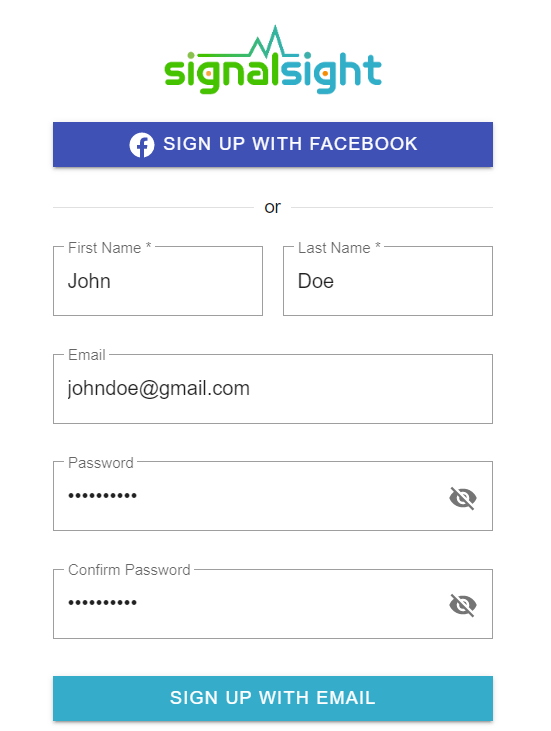
Go to www.signalsight.io and click the Sign Up button. You can create your account in one of two ways:
- With an email address and a password
- By linking your Facebook account
Recommendation
Use your business email to create the account. It keeps ownership with your company and makes team access and billing easier to manage later.
Confirm Your Email
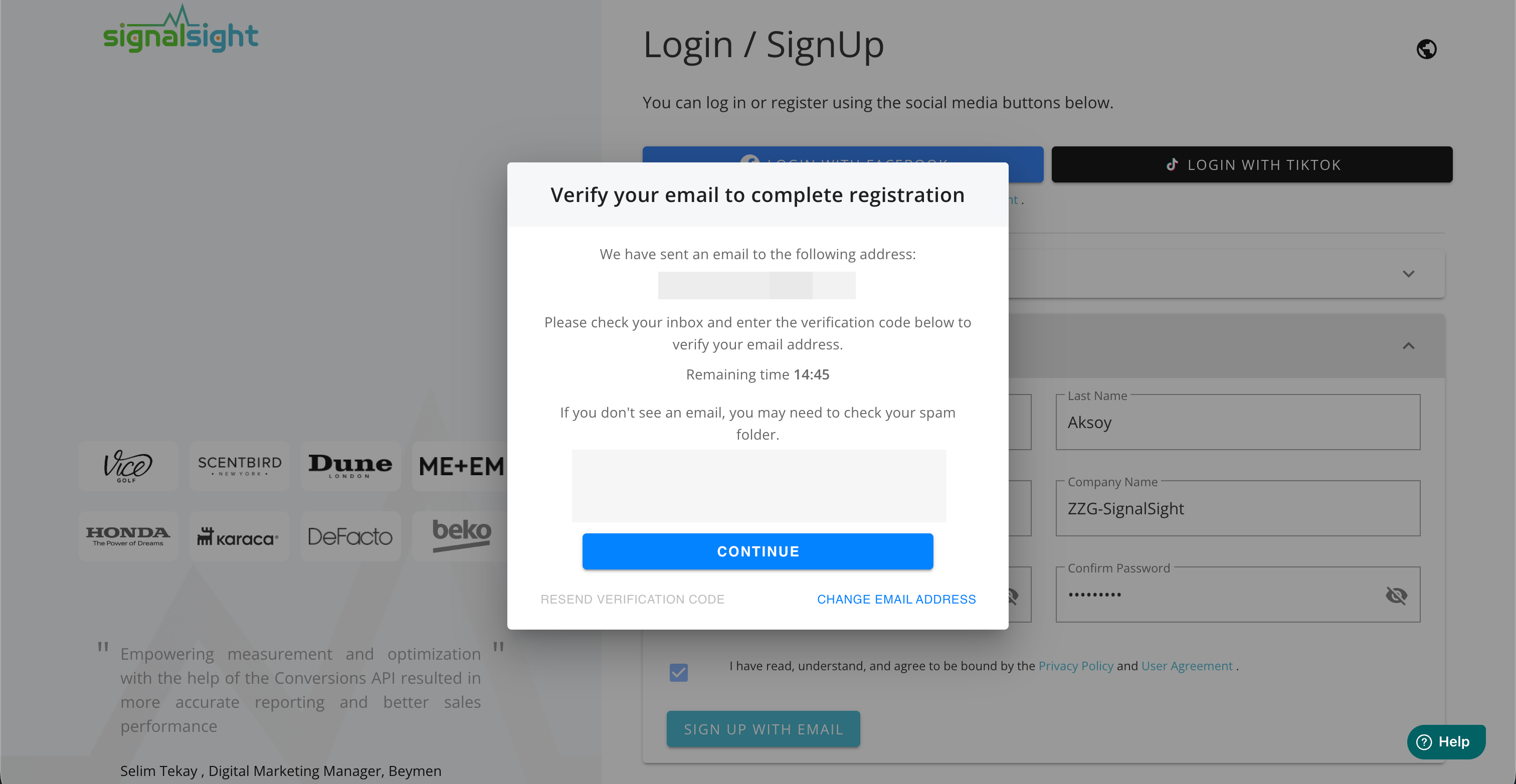
After submitting the form, a confirmation email is sent to the address you provided. Click the button in that email to verify your address and finalize your membership. Once confirmed, you'll be taken to the business setup step.
Note
Can't find the email? Check your spam or promotions folder — the sender is SignalSight.
That's it — your SignalSight account is ready. You can now create your first tracker or continue with the platform setup guides below.